
Step 1: When you are on this page, Press SHIFT + F10 (if you are using Desktop) or FN + SHIFT + F10 (if you are using Laptop), to open the command prompt.
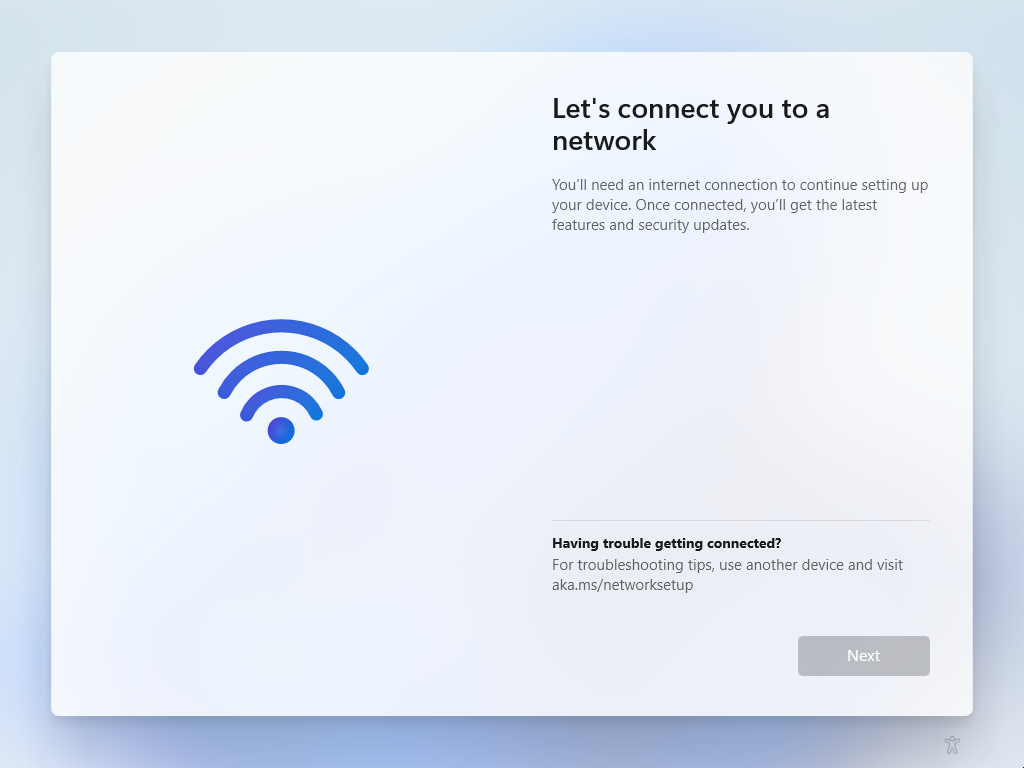
Step 2: Type the following command in the command prompt "oobe\bypassnro" then hit enter. It will restart your device and an "I don't have internet" option will be displayed at the bottom of the "Let's Connect to a network" page.